
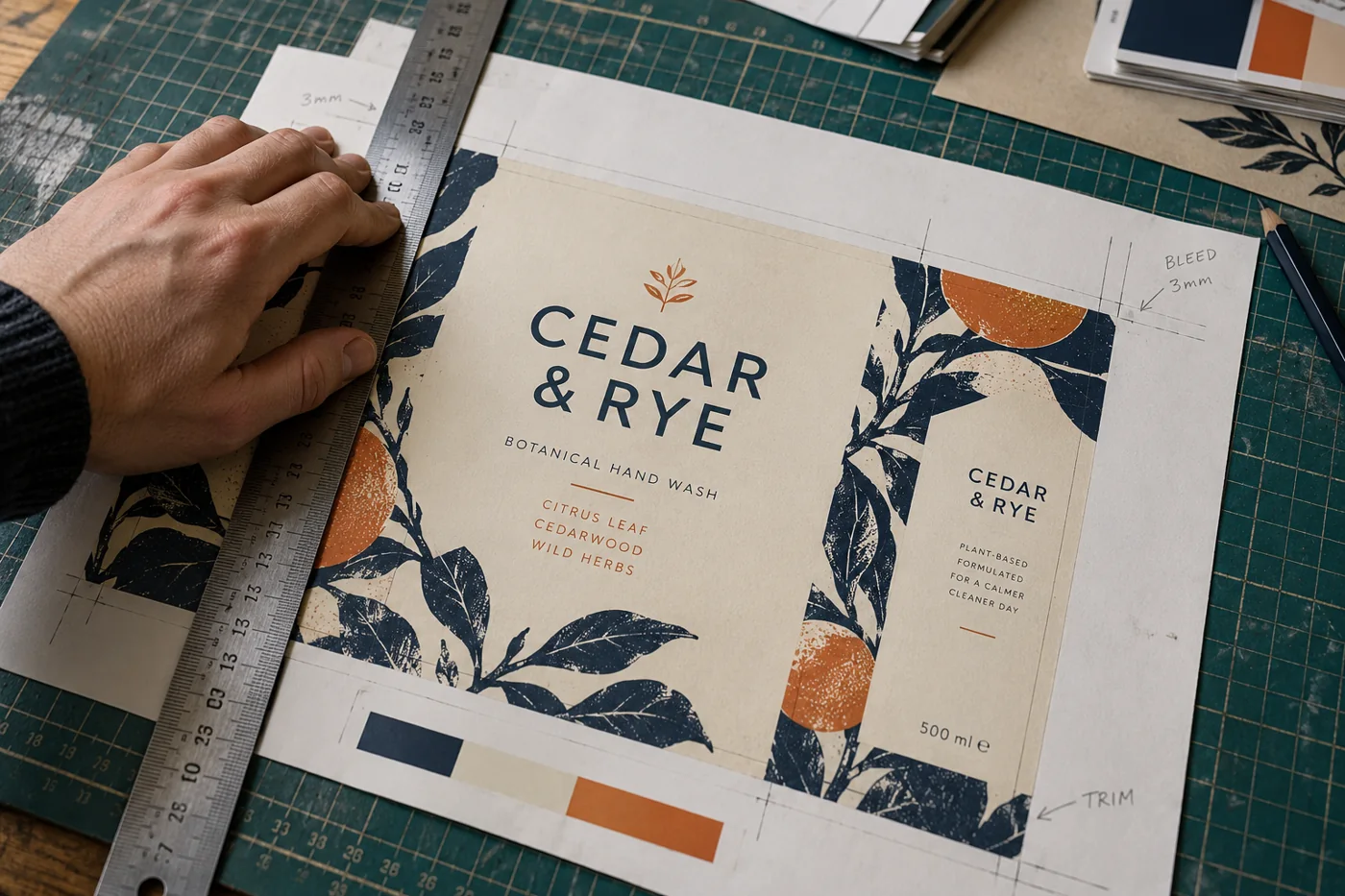
An image that looks sharp on a phone is not automatically suitable for a brochure, sign or branded product. Give the printer the intended use and finished dimensions first. The right specification depends on the material and production method.
Confirm the specification before exporting
Record the item, final size, quantity, stock or material, sides, finishing and delivery requirement. Ask which file format, colour profile, bleed and printer’s marks are required. Do not add every available export option by default. A business card, folded brochure and large sign need different checks.
Keep bleed and safe space separate
Bleed extends artwork beyond the intended trimmed edge. Safe space keeps important wording and logos away from cuts, folds or finishing. Use the production provider’s actual measurements. A commonly used bleed value is not a promise that it suits every item, and crop marks do not create missing bleed.
Check quality at the size that will be printed
Open the artwork at its intended dimensions. Inspect photographs, small text, thin lines and logos. A larger export does not restore detail that was missing from the original image. Vector artwork is useful for many logos, but placing a low-resolution photograph inside a vector file does not make that photograph scalable.
Check colour and fonts with the provider
Screens and printed materials reproduce colour differently. Supply the agreed colour references and ask whether a specific profile or physical colour proof is needed. Keep a working copy of editable text. Confirm font embedding or outlining requirements before export; simply changing every file to CMYK is not a substitute for following the production specification.
Approve the exact proof, not the idea of it
Read names, prices, contact details and dates slowly. Test any QR code using the final proof at a realistic size. Check both sides, page order, fold direction and branding position. If a correction is made, review the revised version. Keep your approval tied to that version so an earlier draft cannot be mistaken for the final artwork.
Your practical checklist
Tick the points you have covered. This list stays in this page; it is not submitted.
0 of 4 points checked