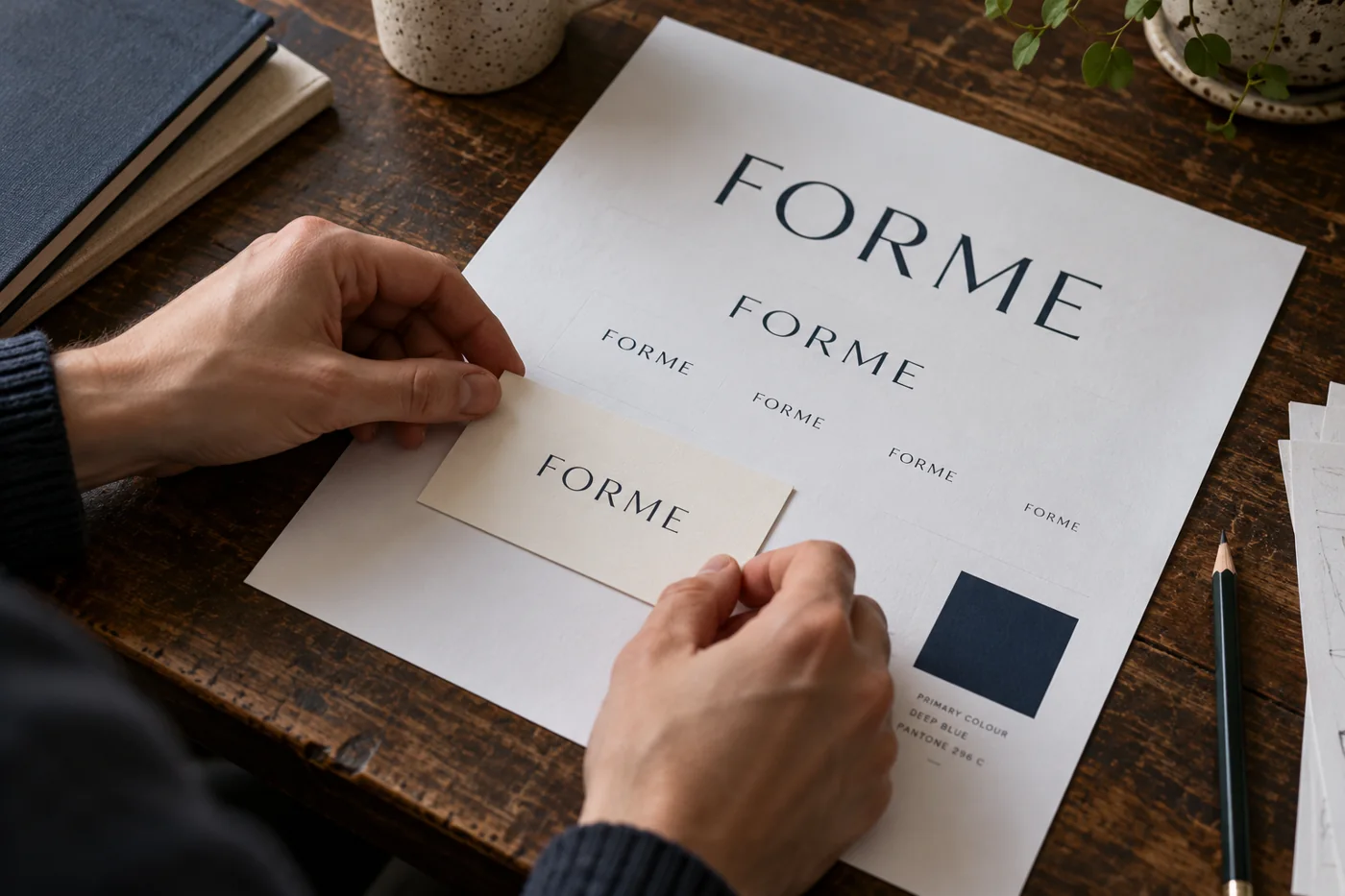
A polished-looking image can still contain misspelled letters or detail that disappears in everyday use. Treat the first concept as something to evaluate. Choose based on how clearly it represents your business and works in context, not just its appearance at a large size.
Write a brief that gives the idea a purpose
Include the exact business name, what you offer, who you serve and the personality you want to express. Add useful visual preferences and things to avoid. “A calm identity for an independent bookkeeping service serving small businesses” provides more direction than “make something premium”. Do not add confidential customer information to a public-facing design brief.
Read every letter and test the shape
Check the business name and any tagline character by character. View the mark small, on a phone and in a simple one-colour treatment. Look for awkward spacing, unwanted symbols and detail that becomes a blur. A design that relies on a dramatic background or metallic effect may be difficult to use as an everyday identity.
Understand the file you have
A PNG is a raster image made of pixels. A transparent background is useful, but it does not turn the artwork into a vector file. Changing the filename or placing the image inside an SVG does not create editable vector paths. Ask for appropriate final preparation when you need scalable artwork for signs, embroidery or other production.
Review suitability before investing in rollout
Check whether the concept is confusingly similar to identities you already know and seek appropriate trade mark advice before making a major investment. Generating a logo does not register a trade mark or confirm that a name is available. SQAQ’s free concept is not a legal clearance or a promise of exclusivity.
Turn the useful direction into a usable identity
Keep the idea’s strengths and identify what needs refinement. That may include redrawing the mark, correcting lettering, choosing a practical palette and preparing clear usage examples. Decide which applications matter first. A considered identity should help the business stay consistent after the initial logo download, too.
Your practical checklist
Tick the points you have covered. This list stays in this page; it is not submitted.
0 of 4 points checked